YOUR DATA, YOUR HARDWARE.
Make computers
personal again.
Your photos, passwords and files live on
your own computer, not a cloud platform.
Replace rented services with free, self-hosted apps.
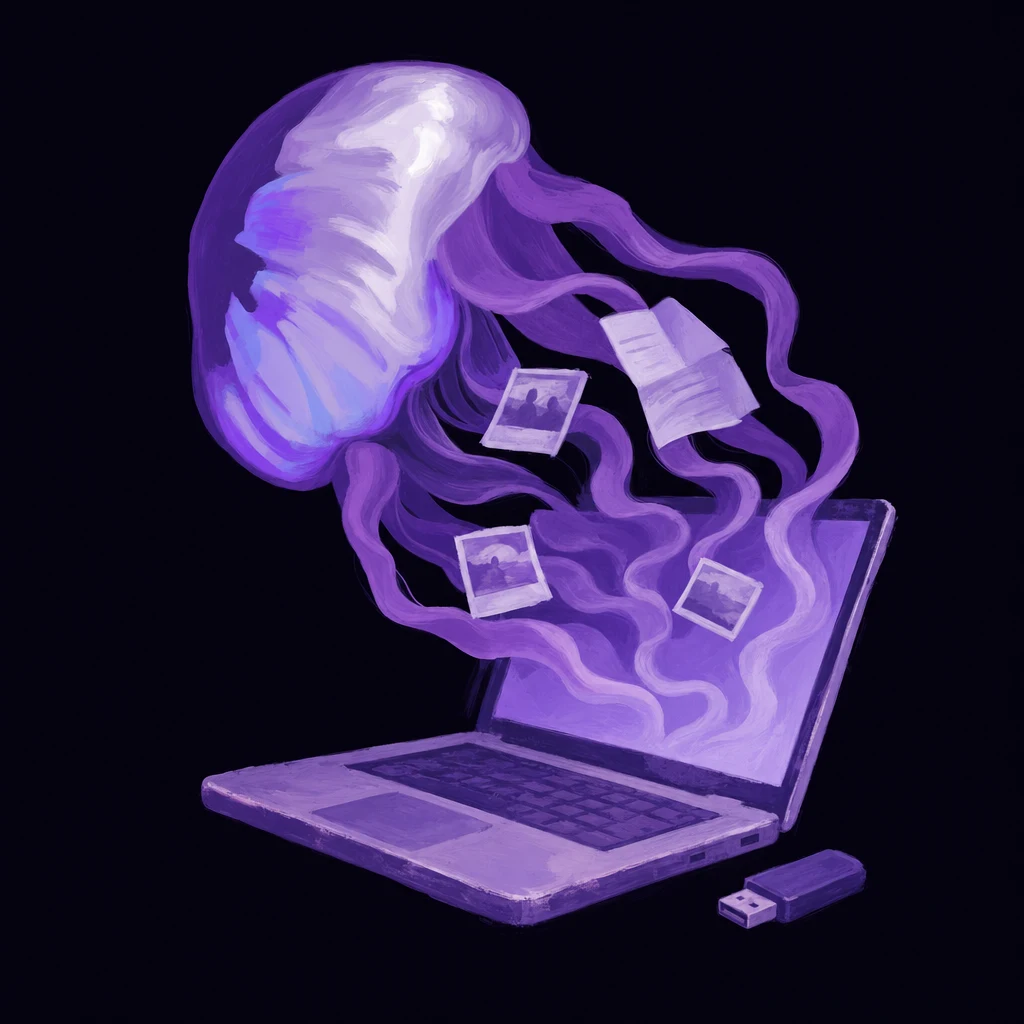
The USB stick gets it started.
Same everyday needs.
Your own apps.
Photos, files, music. Choose what moves home.
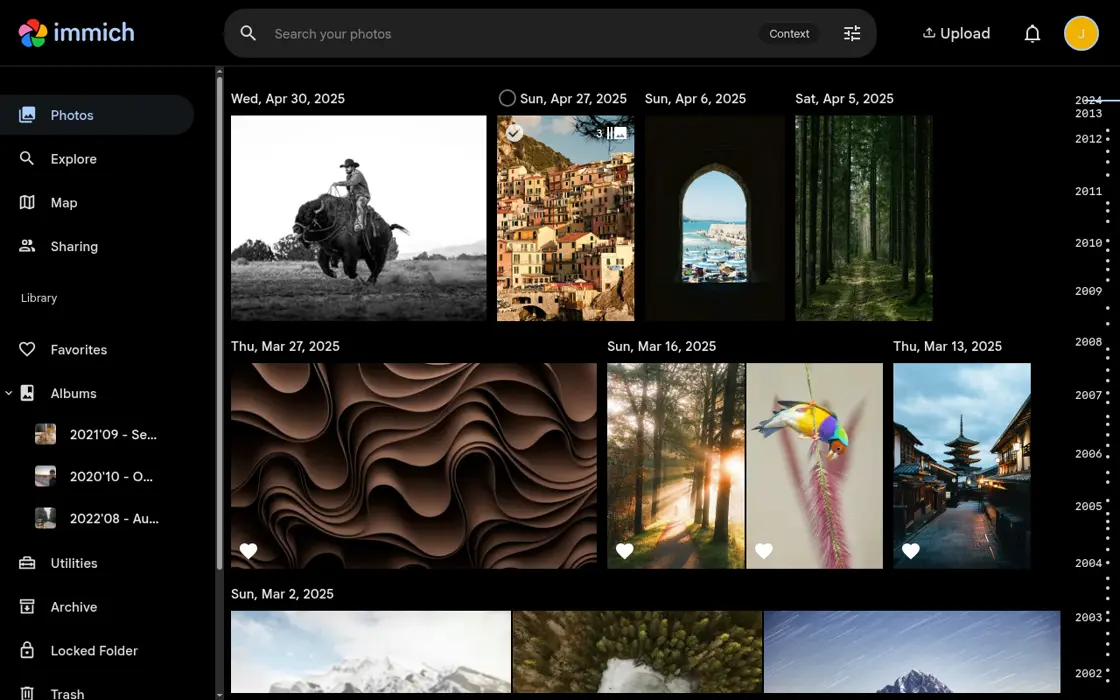
A home for photos beyond Google Photos.
Phone backups, albums and search on your own server.
Demo notes & image credit
Immich’s public demo. Choose “Login as demo user”. Please don’t upload personal photos.
Screenshot of Immich’s public demo.
OK, computer.
Your AI can help manage your digital life. Your apps live together on your computer. Connect the apps you choose, and your assistant can work with your photos, files and calendar, not just give advice.
“Find my dentist’s letter and put the appointment on my calendar.”
 OCT 16 · 9 AM
Friday at 9. I’ve drafted the entry. Shall I add it?
Whose computer
are you asking?
The same photos, letters and memories can live on a platform’s servers, or on a computer at home.
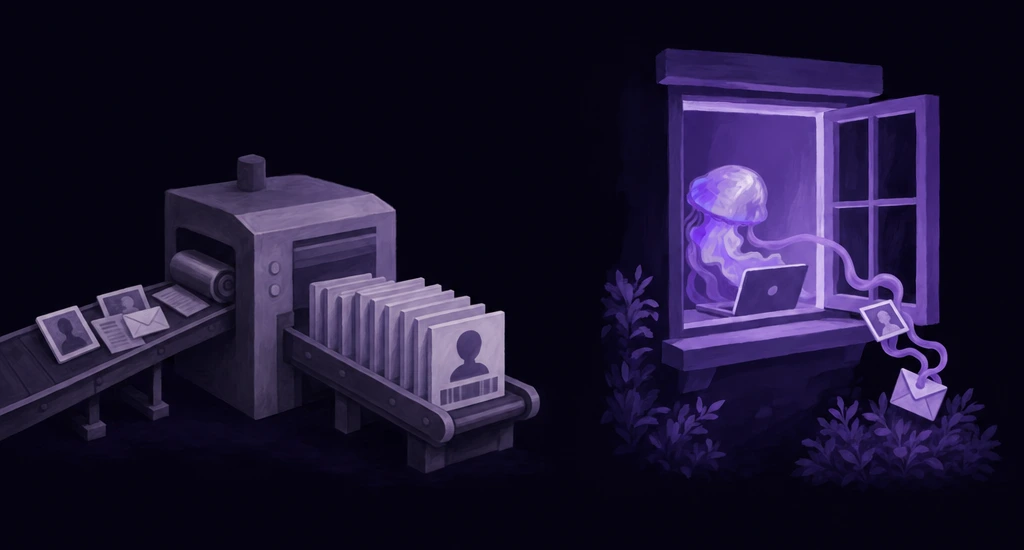
What still connects outside?
Local storage is not a magic barrier. Apps can contact outside services, remote access uses infrastructure, and managed AI receives the prompts and context you send it.
Stored on your server.
Apps such as Immich and File Browser store their data on your server. You choose what to upload and who can access it. Keeping a separate backup still matters.
- Your phone
- Your home network
- Your server
Local storage does not make every app offline or air-gapped. An app can still contact external services.
A FEW THINGS YOU MIGHT WONDER
Good questions.
Is ServerStick free?
Yes. The software is free. You provide the computer and its electricity.
Are managed services required?
Managed tunneling for remote access and managed AI are optional. You can run in independent mode with your own tunnel and AI provider. Compute contribution is a separate, opt-in choice: it uses only spare CPU, pauses when your computer is under load, and can be switched off at any time. It may use extra electricity, and service limits apply; no specific credit amount is promised.
Does everything stay on my computer?
Your local apps and files live on your server. Managed AI sends your questions and any included context to an outside provider. Remote access also uses managed infrastructure. You choose what you connect.
Do I depend on ServerStick?
For managed AI and tunnels, yes. Your hardware and local apps remain yours. Running without those managed services means arranging your own AI and remote access.
Ask something else

Your server.
Where do you start?
Ask about the setup, the apps, or what's yours to keep.
AI product demo · Answers may be inaccurate. No access to your apps or files.
About
Answers use product notes and an external AI provider, not your apps or files. AI can make mistakes. Each question is answered independently.
Set up
your server.
One computer. One USB drive.
- 01
Prepare the USB
Flash the installer. This erases the USB.
- 02
Install on the computer
Boot from USB. Follow setup. Back up first: installation erases the selected drives.
- 03
Add your first app
Open the dashboard. Pick an app. Keep a backup.
Free software. Bring your own computer.
Questions about costs or managed services? ↓